
Off-peak EV charging in Sydney: check your retailer's hours
Ausgrid's network peak isn't always the peak on your bill. Check these things on your plan's fact sheet before you schedule a home charger.

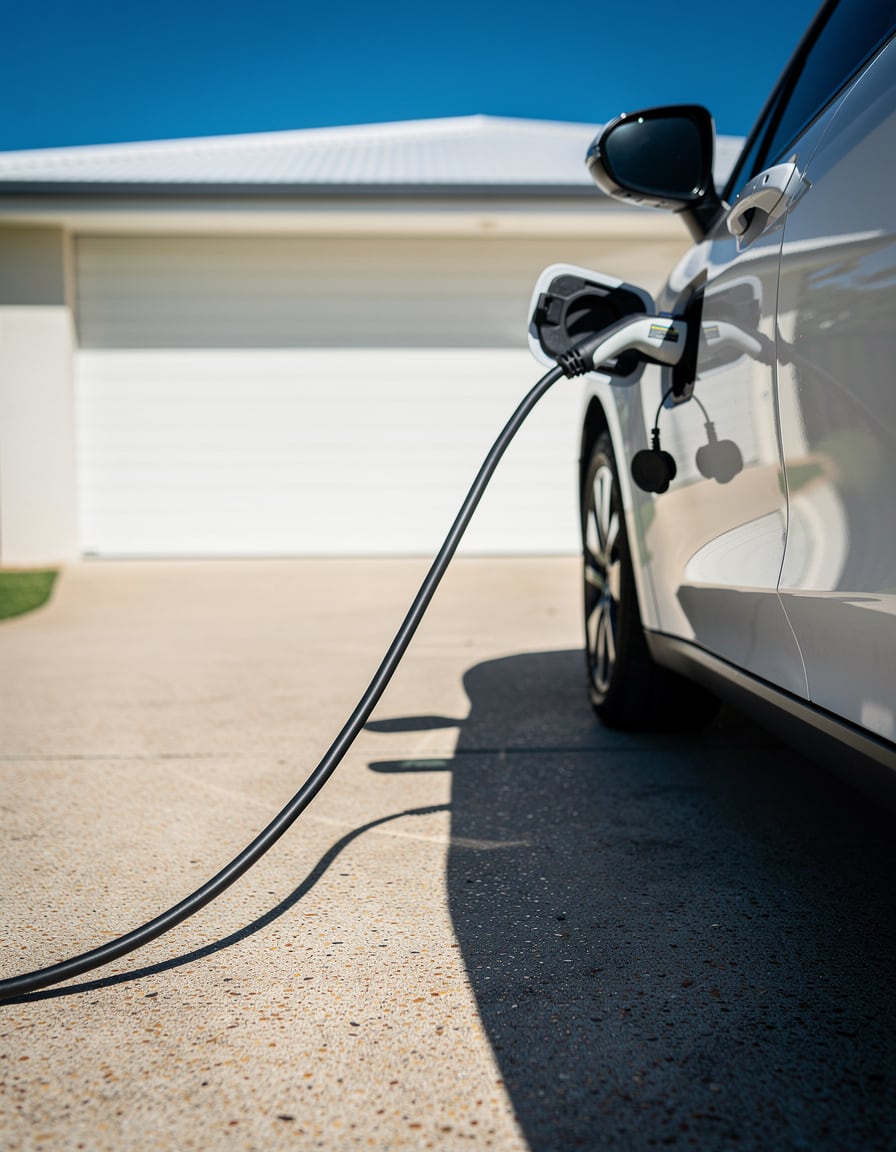
She left Everything Electric Sydney with a smart charger brochure and a tip from a mate: set it for 8pm on weeknights, because that's off-peak. She's a first-time EV buyer in Sydney's inner west. She isn't a real customer, just an example. The tip sounds fine, and on some plans it's right. On others she pays peak rates for the first hour of every weeknight charge through winter.
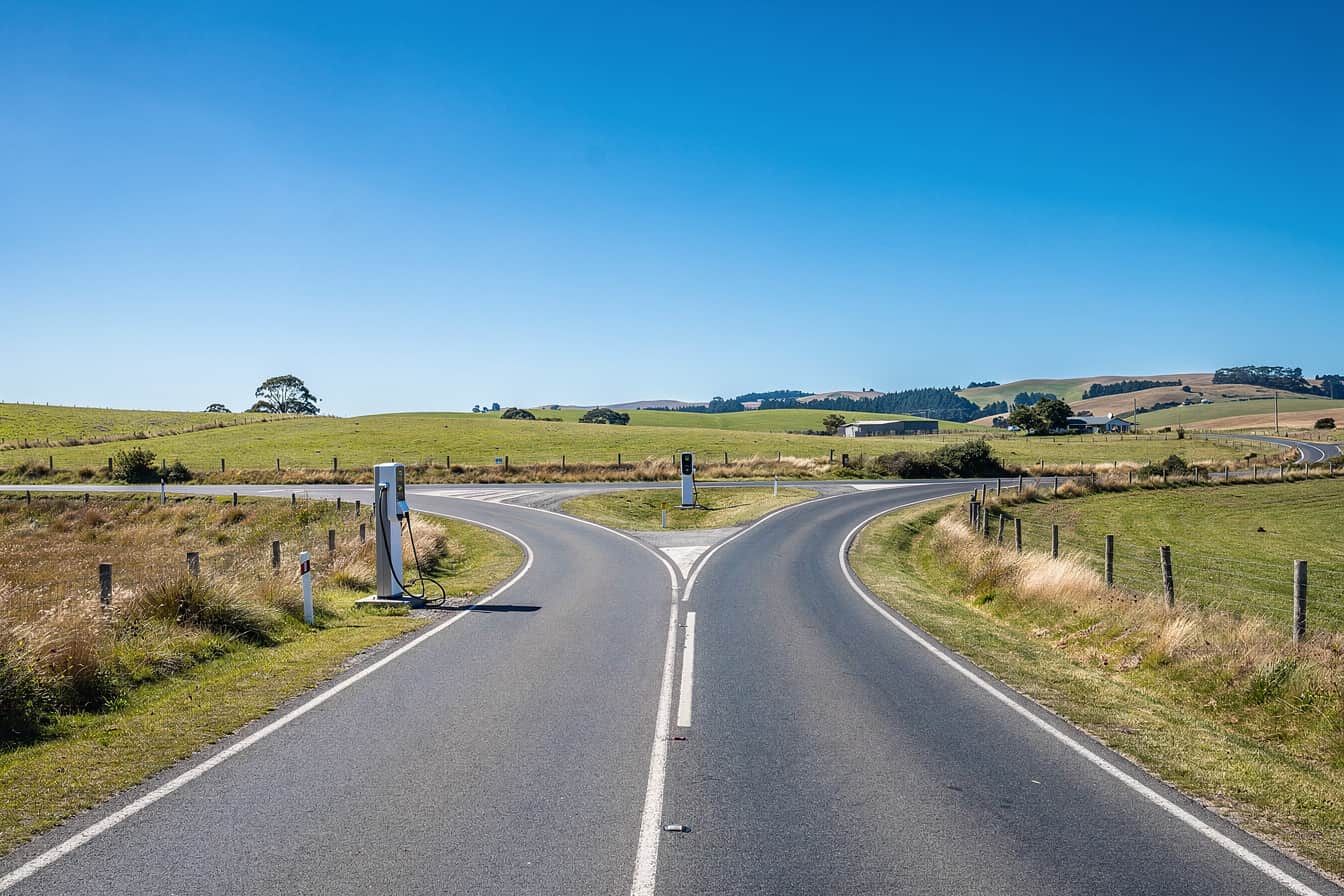
The difference isn't the car or the wallbox, and it isn't the street either. It's the company that sends the bill.
In practice, "off-peak" isn't one window. There's the network's window, and there's the window in your retailer's plan. In Sydney those two can differ, and both can change with the season.
What Ausgrid's network window says
Ausgrid's time-of-use page lays out the residential network peak clearly. From June to August and from November to March, peak runs 3pm to 9pm every day. Every other hour is off-peak. April, May, September and October have no peak period at all. Ausgrid also folded its old shoulder period into off-peak in 2024, so the middle band is gone.
Decode Energy's guide to peak and off-peak times in NSW and Queensland, updated 14 September 2026, lists the same network windows.
If that were the whole story, the answer would be simple. Under the network's window, an 8pm start is peak in July and off-peak in October. But your bill doesn't follow the network's window.
Your retailer sets the hours you pay for
Further down the same page, Ausgrid says retailers may set different peak and off-peak prices and times from the network, and it tells customers to check with their retailer. That one line matters more than the table above it.
Decode Energy compared the 1 July 2026 standing offers on the Ausgrid network. They didn't all match the network's windows:
- AGL and Origin run 3pm to 9pm, in summer and winter only.
- EnergyAustralia uses different weekday windows in summer and winter.
- Red Energy and Alinta run 2pm to 8pm on weekdays, all year.
Now run her 8pm start through that list. On a Red Energy or Alinta standing offer, peak ended just as she plugged in. On AGL or Origin in July, she still has an hour of peak to go. On EnergyAustralia, the answer depends on the season and which weekday window applies. Same car, same wallbox, same street, and three different answers.
Decode's comparison only covers standing offers. Whatever plan you're on, the hours that count are on your plan's fact sheet.
What the expo can and can't tell you
SolarQuotes' 2 October roundup of Everything Electric Sydney 2026 covers smart chargers from myenergi and Evnex, Ausgrid's trial of pole-mounted chargers and EVX's kerbside installations. It has no section on off-peak tariffs, retailer plans or when to charge. That isn't a failing. It was a hardware show, so the coverage is about hardware.
The problem comes later, in the garage. A smart charger runs whatever schedule you give it, and it doesn't know which retailer you're with. The stand staff can show you how the scheduling screen works. Only your plan can tell you which hours to enter.
The mate with the 8pm tip is going off his own plan, and you might not be on the same one. The same goes for a neighbour, a forum thread or a video comment. Another household's plan doesn't tell you what you'll pay.
Three things to check on your fact sheet
Before you schedule anything, get your own plan's fact sheet from your retailer. Leave the network table, the brochure and the neighbour out of it for now. On the fact sheet, check:
- The peak hours on weekdays and on weekends. Write down the exact start and finish times, not "evenings".
- The seasons. Note which months have a peak and which have none. Don't assume your plan's winter matches Ausgrid's June to August.
- Any free daytime block, and what the plan charges everywhere else to pay for it.
People get caught on the third one. SolarQuotes points out that a retailer can cover the cost of a free daytime block with higher peak or shoulder rates, or a higher daily supply charge. Free hours on the fact sheet don't automatically mean a smaller bill. Read the whole sheet, not just the free hours in the headline.
Once you've got your windows, set the charger schedule from those times. Then check it again when the seasons change. A schedule that suits July might not be the cheapest choice in October.
Doing the sums once you have your windows
Knowing the hours is half the job. The other half is working out whether a charge fits inside them, and what moving it there is worth. You can do that by hand with your car's specs, your charger and a calculator. Or you can let the app do it.
Charge Nomad handles both of those sums. Charging Time works out how long a charge takes for your car, so you can check whether it fits inside the off-peak hours on your fact sheet. Off-Peak Savings is the calculator for the money side once you've got your plan's details in front of you. Your car comes from a catalogue of more than 300 EVs weighted to what sells here, or you can add it as a custom vehicle. Both calculators are free on iPhone and Android. They run on the phone, so they still work in a garage with no signal.
The app can't read your fact sheet for you. Before any of these sums mean anything, you still need your own plan's hours.
Charge Nomad is free to download and has no ads. Charge Nomad+ is the only paid part, and it covers the Route Planner, the Range Estimator, more than one car in your garage, home-screen widgets and a few extras. On iPhone it's $4.99 a month or $39.99 a year in Australia. On Android the price is shown in Google Play. Both have a 7 day free trial on the monthly plan, and prices vary by country. The charger map, Stranded mode and the other tools are free.
See what the app actually does before you download it: evbygenz.com/app
Questions drivers ask
When is off-peak on the Ausgrid network?
Ausgrid's residential network peak runs 3pm to 9pm every day from June to August and from November to March, and every other hour is off-peak. April, May, September and October have no peak at all. Your retailer can set different times, so check your own plan before you rely on these hours.
Does my retailer use the same off-peak hours as Ausgrid?
Not always. Ausgrid says retailers may set their own peak and off-peak prices and times. Decode Energy found 1 July 2026 standing offers from Red Energy and Alinta using 2pm to 8pm on weekdays all year, while AGL and Origin follow 3pm to 9pm in summer and winter only.
Is a plan with free daytime hours always cheaper for charging an EV?
No. SolarQuotes points out that a retailer can cover a free daytime block with higher peak or shoulder rates, or a higher daily supply charge. Read the whole fact sheet before you switch.
Can Charge Nomad tell me my plan's off-peak hours?
No. Those hours come from your retailer's fact sheet. Once you have them, the free Charging Time and Off-Peak Savings calculators in Charge Nomad, on iPhone and Android, help you check whether a charge fits the window and what shifting it is worth.
// SOURCES