
Canterbury cable thefts: why every EV trip needs a backup stop
Police have charged a Christchurch man over EV charger cable thefts. Here's how to plan a backup stop and report a damaged site.

The plug is lying on the concrete with a clean cut through the cable, and you've got, say, 30 percent in the battery. This is an illustration, not a real driver. You left Christchurch for Kaikōura with one charging stop planned, and that stop is the one in front of you.
In that carpark the question changes. You're not working out how long to charge any more. You're working out where the next charger you can actually reach is, whether it takes your plug, and whether you've got enough signal to look it up. And you're doing it with less battery than you'd like.
Not long ago, cut cables in Canterbury were forum talk. Now they're on a police charge sheet.
What Canterbury police have charged
NZ Police say Canterbury Rural Police arrested and charged a 26-year-old Christchurch man after a series of EV charging cable thefts around the region. He faces five counts of theft over $2,000, among other charges, and was due in court on 13 October 2026. ODT reports he also faces a charge of having a methamphetamine pipe and a charge of failing to assist police in a search. ODT also reports he was bailed to an address in the Mackenzie District under a 24-hour curfew, with his next court appearance due in November.
In the NZ Police release, Inspector Peter Cooper says the thefts caused major disruption for EV drivers and large costs for charging providers. Police say enquiries are ongoing and they haven't ruled out more arrests. RNZ, 1News and The Press have all reported the arrest.
These are charges. They're allegations, and the court will deal with them. This article doesn't name anyone or say who did what, and it doesn't need to. The point for drivers is simpler. A damaged charger in Canterbury is a real risk, serious enough for police to prosecute. You don't need to wait for a verdict to change how you plan a trip.
Why one planned stop isn't enough
Most trip plans assume the charger you picked will be there and working when you arrive. A cut cable doesn't announce itself. It can happen after the last driver left and before you pulled in, and your phone has no way of knowing.
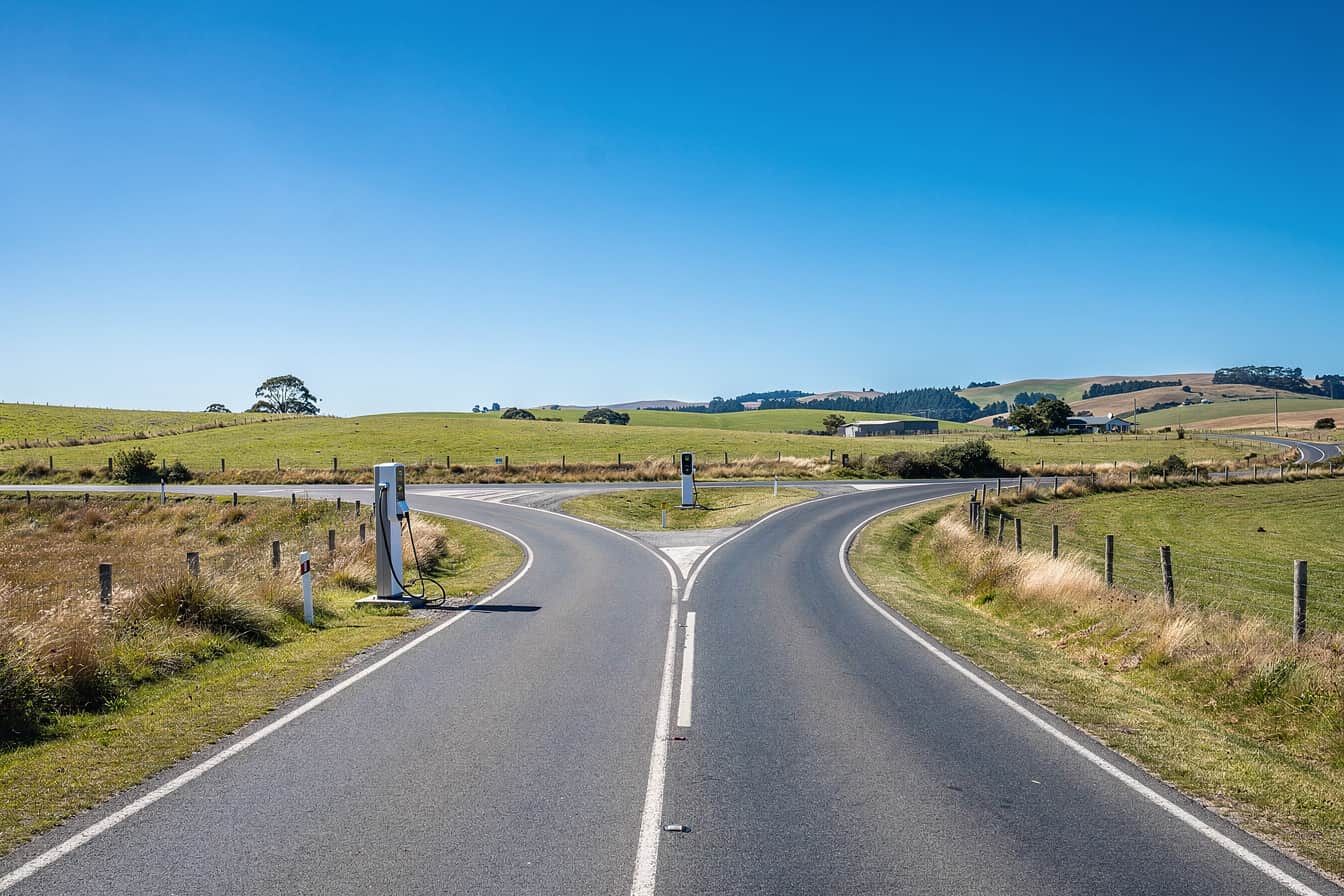
A single-stop plan has no slack in it. If that stop is out, your next option is whatever you can find from where you're standing, on whatever charge you arrived with. On a regional run that's the worst place to start a search. You've got less battery, the gaps between sites are longer, and data drops out in places.
With a backup stop, the same moment is just a detour. You look at the dead plug, say something unprintable, and drive to the second charger you'd already picked. It's annoying, but you don't end up calling roadside assistance.
How to plan a backup stop
None of this is complicated. It just has to be done before you leave home, not in the carpark.
- Pick a second charger within reach of every planned stop, and check you can get there on the charge you'll arrive with.
- Keep your arrival buffer at 15 to 20 percent. That margin is what makes a detour possible.
- Charge to around 80 percent at each stop, so a failed stop further down the road doesn't leave you short.
- Check the backup takes your plug. If you drive a Nissan Leaf or an import, don't assume every site suits your car.
- Pick sites with more than one bay where you can. One cut cable finishes off a single-bay site. At a site with several bays, the other cables may still be fine.
- Know the speed. Standard chargers run up to 50kW, Rapid is 50 to 149kW and Ultra-rapid is 150kW and above. A slow backup beats no backup, but plan for the extra time.
- Look it all up while you've got signal. Rural Canterbury has gaps, and you don't want to find out you can't load a map at the exact moment you need the backup.
In practice, this takes five minutes at the kitchen bench. Skip it and you'll be doing the same job in a carpark on low battery.
How to report a damaged charger
If you find a damaged site, report it twice.
Tell the operator first, so the next driver doesn't get caught out the same way. Then tell police. NZ Police ask the public to report suspicious activity at EV charging stations through these channels:
- Online at 105.police.govt.nz
- By phone on 105, for anything that isn't urgent
- Crime Stoppers on 0800 555 111, if you'd rather not give your name
- 111, if a crime is happening in front of you
Don't confront anyone. If it's safe, take a photo of the damage and note the site and the time. Then leave it to police and the operator.
Where Charge Nomad fits
You can do all of the planning above by hand, or Charge Nomad can do it for you. The Route Planner is part of Charge Nomad+. You give it your start, destination, car and battery percentage. It plans around the arrival buffer you set, 15 to 20 percent by default, with an 80 percent target per stop, and puts a backup charger near every planned stop. It also flags legs where the charging infrastructure genuinely isn't there yet, so you know before you commit to the route.
The charger map is free. You can filter it by connector, power output, network and number of bays. Compatibility is matched to your exact car, and you can report any listing that's wrong from the charger itself. Stranded mode is free too. If you're already low, it finds the closest charger you can actually reach and shows New Zealand's emergency and roadside numbers. The calculators work with no signal. The map, the Route Planner and Charge & Explore need data, so plan before you lose coverage.
What it can't do is tell you a cable was cut ten minutes ago. Charge Nomad doesn't show availability from charging operators, and no app should promise that here. That's exactly why the backup stop matters.
Charge Nomad is on iPhone (iOS 17 or later) and Android (Android 8 or later). It's free to download, has no ads and carries no ad or tracking SDKs. Charge Nomad+ has a 7 day free trial on the monthly plan. Prices vary by country, and the App Store or Google Play shows you the price before you pay.
See what the app actually does before you download it: evbygenz.com/app
Questions drivers ask
Has anyone been charged over EV charger cable thefts in Christchurch?
Yes. NZ Police say Canterbury Rural Police arrested and charged a 26-year-old Christchurch man after a series of EV charging cable thefts in the region. He faces five counts of theft over $2,000, among other charges. The charges are allegations and the court will deal with them.
How do I report a damaged EV charger in New Zealand?
Tell the charging operator so the site gets flagged for the next driver. Then report it to police at 105.police.govt.nz or by calling 105. Call Crime Stoppers on 0800 555 111 if you'd rather not give your name, or 111 if a crime is happening right now.
How close should a backup charger be to my planned stop?
Close enough to reach on the charge you'll arrive with at the first stop. Keep a 15 to 20 percent arrival buffer so you've got room to detour, and check the backup takes your plug before you leave.
Can Charge Nomad tell me if a charger has been damaged?
No. Charge Nomad doesn't show availability from charging operators, and no app should promise that here. Other drivers can leave ratings and notes, you can report a listing that's wrong, and on Charge Nomad+ the Route Planner puts a backup charger near every planned stop.
// SOURCES
- NZ Police: Man charged following series of EV charger thefts, Christchurch
- RNZ: Christchurch man arrested for EV charging station cable thefts
- 1News: Significant disruption, Christchurch man arrested over EV charger thefts
- ODT: Man charged after Canterbury EV stations targeted
- The Press: Police charge Canterbury man over EV charging cable thefts